
Best tools for freelance writers to stop retyping pitches, rates and invoice reminders
Freelance writing comes with a lot of writing that isn't the work: pitches, rate replies, onboarding emails and polite reminders about unpaid invoices. Here are the tools that take care of that repeat writing, so more of your day goes to the pieces you're paid for.
By Textfold · Updated
A quick disclosure: I make Textfold, one of the text expanders below. I've tried to be fair to the other tools and to say when something else is the better fit.
What freelance writers retype
- The opening of every pitch, and the links to your clips
- Your rates, and what they include
- Onboarding: asking for the brief, style guide and deadline
- Invoice reminders, the email nobody likes writing
- Your signature, bio and author byline
1. Your email app's templates
Gmail has templates (turn them on in Settings → See all settings → Advanced) and Outlook has its own. They're free and fine for a few standard emails. The limits: they only work in that email app, they take a few clicks each time, and you still edit the editor's name and details by hand. Apple Mail has no template feature at all. How to set up each one.
2. An invoicing app for the reminders
If chasing payments is the worst part, an invoicing or accounting app that sends automatic reminders can take it off your plate entirely. Many freelancers already use one for invoices, so check whether yours has reminders before writing your own. A text expander is the lighter option when you'd rather send a personal note.
3. A text expander for everything else
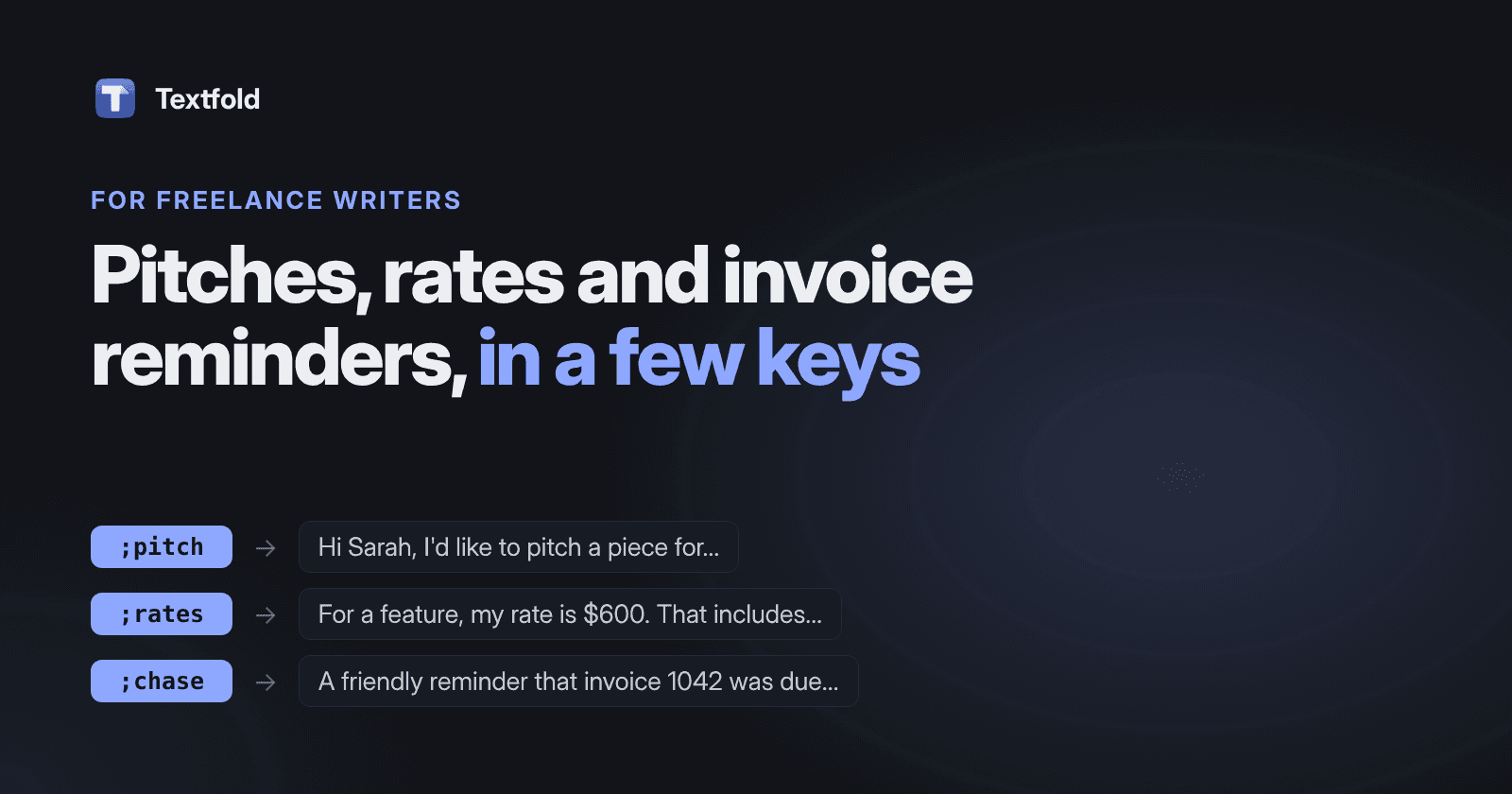
A text expander replaces a short abbreviation with saved text in any app: email, LinkedIn messages, a client's project tool, a submission form. Type ;rates and your full rate reply appears. Snippets with fill-in fields ask for the name and details first, so the email comes out finished.
- TextExpander: the best known, on Mac, Windows, iPhone and in Chrome, with shared team libraries. It needs an account and a subscription. Compared with Textfold.
- Typinator: a mature Mac app with deep features, including regular expressions and scripts. A one-time license covers one major version. Compared with Textfold.
- aText: inexpensive, on Mac and Windows, and it can insert formatted text and images. Compared with Textfold.
- Espanso: free and open source, configured by editing YAML files. Good if you like config files. Compared with Textfold.
- Textfold: the one I make. A native Mac app with fill-in forms, dates and a live preview, snippets kept as plain text files you own, no account, and nothing you type leaves your Mac. Free for 10 snippets with every feature; Pro is $29 once. Plain text only, so no logos or bold.
For prices and platforms side by side, see the best text expanders for Mac, compared.
Snippets to start with
Five snippets written for Textfold. Parts in braces ask for a detail, offer a menu of options, or fill in a date when you type the abbreviation. Rewrite them in your own voice.
;pitch Pitch opener
Hi {field:Editor's name},

I'm a freelance writer covering {field:Your beat}. I'd like to pitch a piece for {field:Publication}: {text:The idea in two sentences}

A few recent clips: {field:Links}

Thanks for reading,
{snippet:;sig}
;rates Rate reply
Thanks for thinking of me! For a {choice:Length|short piece (up to 800 words)|feature (800 to 2,000 words)|long-form piece (2,000+ words)}, my rate is {field:Rate}. That includes one round of revisions.;onboard New client
Great to be working together. To get started, could you send the brief, your style guide if you have one, and the deadline? I'll confirm the plan by {date:EEEE+1d}.;chase Invoice reminder
Hi {field:Name},

A friendly reminder that invoice {field:Invoice number} for {field:Amount} was due on {field:Due date}. Could you let me know when it's scheduled? Thanks!
;avail Availability
I'm booked through {date:d MMMM+14d}, but I could start a new piece after that. Would that timing work for you?{snippet:;sig} pulls in your signature snippet, so it's always up to date. See how to set up ;sig and the placeholder list.
Tips
- Template the frame, not the idea. A pitch snippet should hold the greeting, your credentials and clips. The idea itself should always be written fresh.
- Keep a short and a long version of your bio and rate reply.
- Read it before sending. Fill-in fields help, but a quick read catches the wrong publication name.
Which to choose
- You only email from Gmail or Outlook: start with their templates.
- Late payments are the main pain: automatic reminders in an invoicing app.
- You write to clients in several apps: a text expander. Textfold's free plan covers 10 snippets, enough for the five above and your signature.