
The best tools for support agents and recruiters who send the same messages all day
Support agents and recruiters both send the same few messages dozens of times a day, each with a different name and a detail or two. Here are the tools that handle it, from the ones built into your help desk to text expanders that work everywhere.
By Textfold · Updated
A quick disclosure: I make Textfold, one of the text expanders below. I've tried to be fair to the other tools and to say when something else is the better fit.
1. The tools built into your work apps
If most of your messages go out from one tool, start with what it already has:
- Help desks: Zendesk has macros, Help Scout has saved replies (type
/in a reply to insert one), and most other help desks have something similar. These are the right choice for team-wide answers, since everyone shares the same approved wording and admins manage it. - Email: Gmail and Outlook both have templates. How to set them up.
- LinkedIn Recruiter: has its own message templates for InMail outreach.
The limit is that each one works only inside its own app. Your help desk macros don't help in Slack, a customer community or a quick email, and your LinkedIn templates don't follow you into Gmail or your applicant tracking system.
2. A text expander for the messages that cross apps
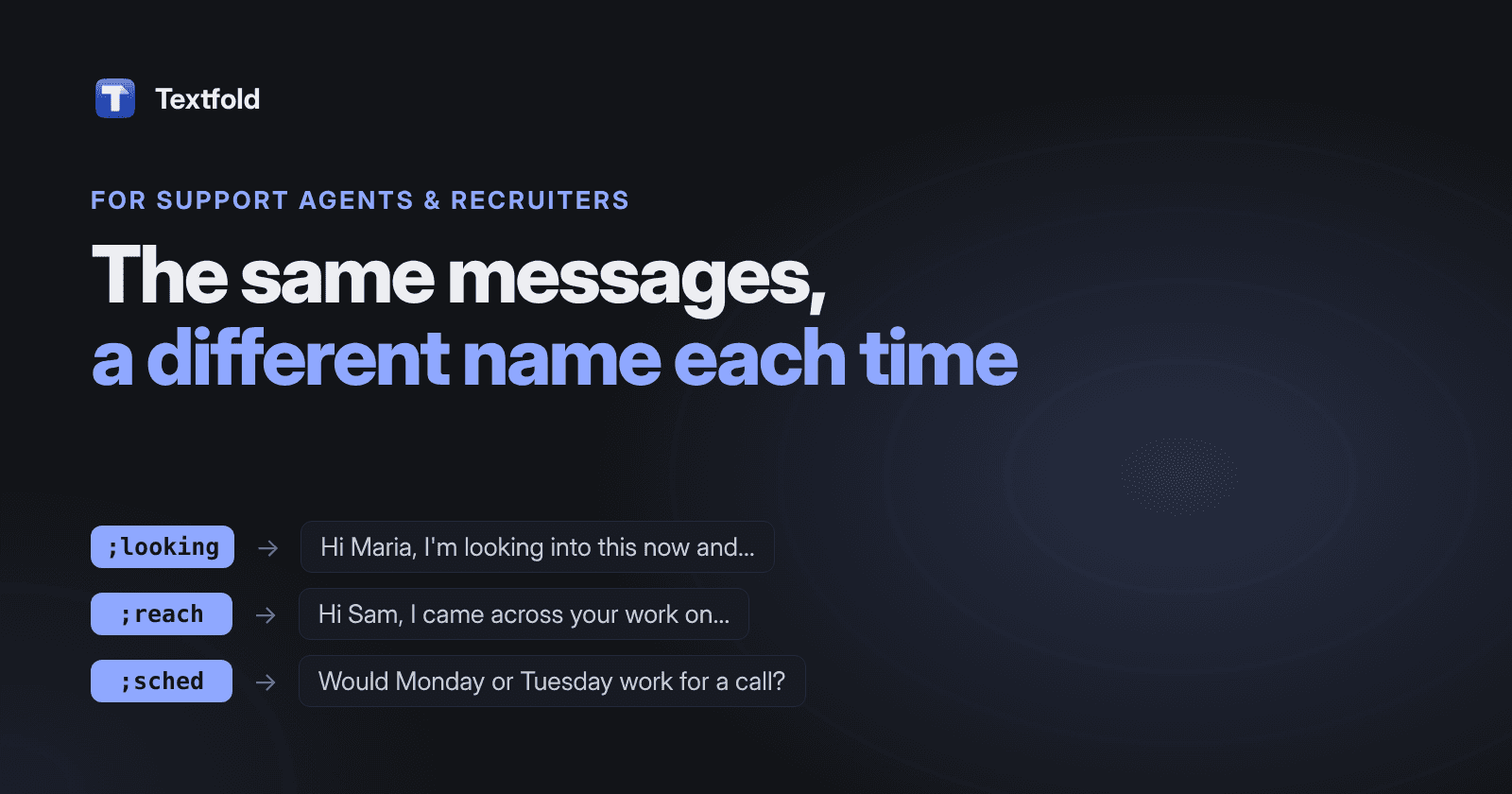
A text expander replaces a short abbreviation with your saved message in any app. For support and recruiting, the important feature is fill-in fields: type ;reach, and a small form asks for the candidate's first name and the role before the message is typed. No more “Hi [NAME]” sent by mistake.
- TextExpander: the best known, on Mac, Windows, iPhone and in Chrome, with shared team libraries. It needs an account and a subscription. Compared with Textfold.
- Typinator: a mature Mac app with deep features, including regular expressions and scripts. A one-time license covers one major version. Compared with Textfold.
- aText: inexpensive, on Mac and Windows, and it can insert formatted text and images. Compared with Textfold.
- Espanso: free and open source, configured by editing YAML files. Good if you like config files. Compared with Textfold.
- Textfold: the one I make. A native Mac app with fill-in forms, dates and a live preview, snippets kept as plain text files you own, no account, and nothing you type leaves your Mac. Free for 10 snippets with every feature; Pro is $29 once. Plain text only, so no logos or bold.
For prices and platforms side by side, see the best text expanders for Mac, compared.
For a whole team that needs shared, centrally managed snippets, TextExpander's team features or your help desk's macros are the better fit. Textfold is built for one person's own snippets.
Snippets for support agents
These three come with Textfold as the Support replies pack (along with ;closing). Switch it on in Settings → Snippets and edit them to sound like you and your company.
;looking On it
Hi {field:Customer name},

Thanks for letting me know. I'm looking into this now and will get back to you {choice:Next update|by the end of the day|tomorrow|within 48 hours} with an update.
;moreinfo Need details
Hi {field:Customer name},

To look into this, could you send me {choice:What's missing|your order number|a screenshot of what you see|the steps that lead to the problem}?
;refund Refund done
Hi {field:Customer name},

I've refunded {field:Amount} to your original payment method. It usually takes {choice:Time to arrive|5–10 business days|3–5 business days} to show up.
Snippets for recruiters
Three outreach and scheduling snippets with the candidate's details as fill-ins and the dates filled in for you:
;reach First outreach
Hi {field:First name},

I came across your work on {field:Project or company} and thought of a {field:Role} role we're hiring for. Would you be open to a 15-minute chat this week?
;sched Scheduling
Thanks, {field:First name}! Would {date:EEEE+1bd} or {date:EEEE+2bd} work for a call? Here's my calendar if that's easier: {field:Calendar link};next After the interview
Hi {field:First name},

Thanks for your time today. I'll share feedback with the team and come back to you by {date:EEEE+3bd}.
{date:EEEE+1bd} becomes the next business day's weekday, so a message sent on Friday offers Monday, never Saturday. The placeholder list covers every option.
Tips
- Personalize one line. A template plus one specific sentence reads as personal; a template alone reads as a template.
- Keep approved wording in the shared tool. Use your help desk macros for policy answers, and a text expander for your own phrases and the apps the macros don't reach.
- Mind privacy. Snippets should hold wording, not customer or candidate data. Textfold keeps snippets as files on your Mac and sends nothing anywhere, but the habit matters whatever tool you use.
Which to choose
- Team answers in one help desk: its macros or saved replies.
- Outreach only in LinkedIn Recruiter: its templates.
- Your own messages across email, Slack, LinkedIn and your ATS: a text expander. Textfold's free plan covers 10 snippets with every feature, fill-in forms included.