
Why every Textfold snippet is a plain .txt file
The most important decision in Textfold isn't a feature. It's where your snippets live: as ordinary text files, in a folder you choose, that you can open without Textfold.
By Jeyanth, the developer of Textfold ·
Most text expanders store your snippets in a database or behind an account. It works, until you want to edit fifty snippets at once, move to another tool, or just look at what you've saved without the app. Then you find out the snippets were never really yours.
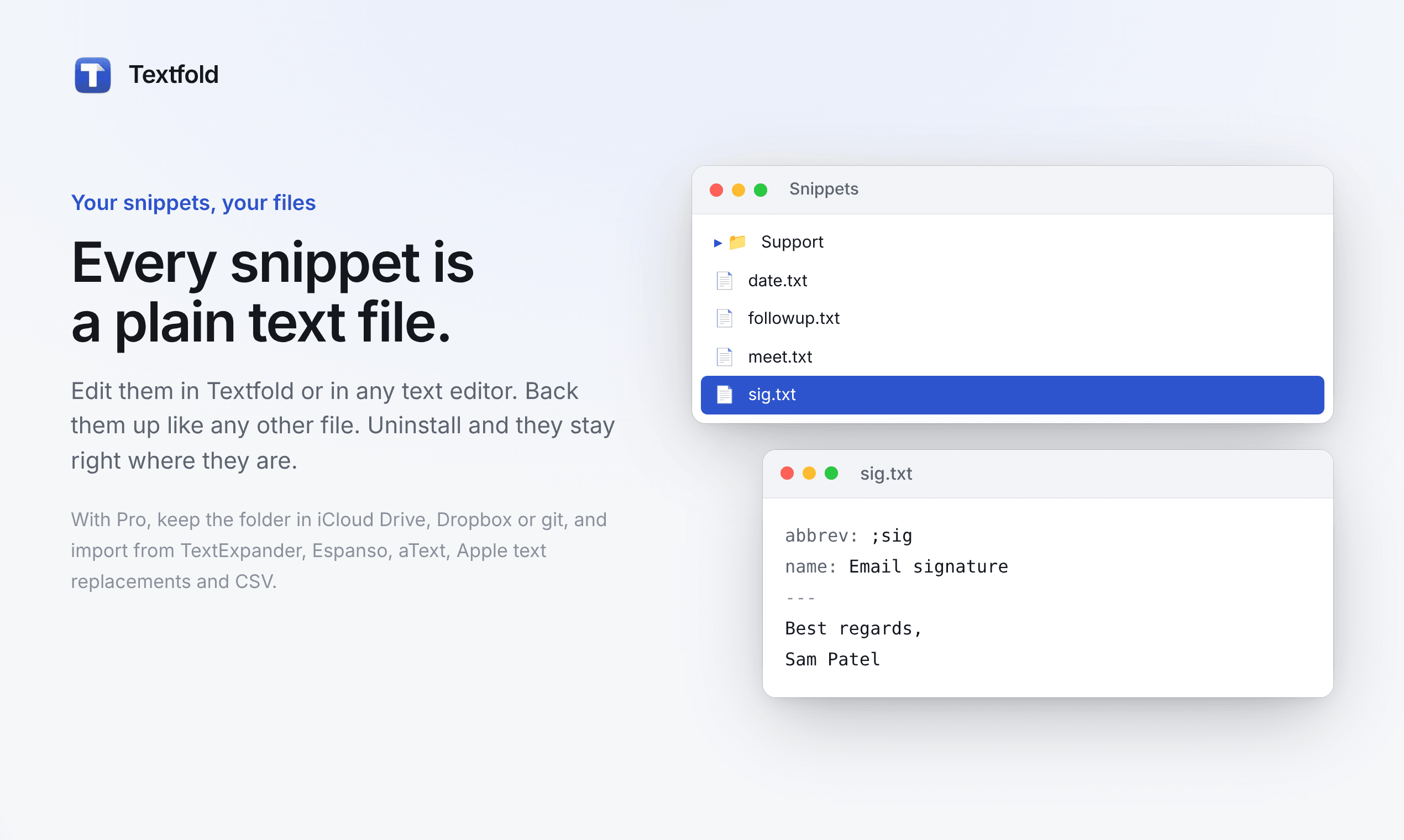
Textfold does it differently. Every snippet is one plain text file, in Documents/Textfold Snippetsunless you pick another folder. Here's a whole snippet:
abbrev: ;sig
name: Email signature
---
Best,
Sam Patel
Above the --- is a short header: what you type and a name. Below it is exactly what gets inserted. Groups are just subfolders. A file with no header works too: hello.txt expands on ;hello.
What plain files make possible
Edit them with anything. The Textfold editor writes these files for you, but you can also open them in TextEdit, VS Code or BBEdit. Textfold notices the change within a couple of seconds. Want to fix a typo in every signature at once? Use your editor's find and replace across the folder.
Sync with the service you already trust. With Pro, point Textfold at a folder in iCloud Drive, Dropbox or a git repository, do the same on your other Macs, and they share one set of snippets. There's no Textfold server in the middle, because there doesn't need to be one.
History and backups for free. Time Machine already backs the folder up. Put it in git and you get a full history of every change, with the ability to undo any of them.
No lock-in. If you uninstall Textfold tomorrow, your snippets stay right where they are, readable by any app. That's also why I'm comfortable asking people to pay once: you're buying an app, not renting access to your own text.
Nothing to send anywhere. Files on your Mac don't need an account, so Textfold doesn't have one. The app only goes online to check for updates and, on Pro, to verify your license. What you type never leaves your Mac.
The trade-offs
Plain files aren't free of downsides, and I'd rather say them out loud:
- Plain text only. Snippets can have line breaks, emoji, fill-in fields, dates and cursor placement, but not bold text or embedded images. For signatures and replies, that's rarely missed. For rich email templates, it can be.
- Sync conflicts are possible. If you edit the same snippet on two Macs before they sync, the sync service may keep two copies. Editing on one Mac at a time avoids it.
- No team sharing built in. A shared Dropbox folder or git repository works, but there's no admin panel or permissions, the way team tools have.
For one person who wants their snippets to be fast, private and theirs, I think those trade-offs are worth it.
Coming from another app?
Textfold imports snippets from TextExpander, Raycast, Alfred, Espanso, aText, Apple Text Replacements and CSV, on every plan, free included. Fill-ins, dates and the cursor position are translated into the same plain-text format, so after a few minutes your whole library is a folder of files you can read. The documentation has the full file format.