
I stopped typing these 10 things on my Mac
A lot of what I type in a day is the same few things: my signature, my email address, today's date, the same polite follow-up. So I stopped typing them. Here are the ten I replaced, with the exact text of each, so you can copy any you like.
By Jeyanth, the developer of Textfold ·
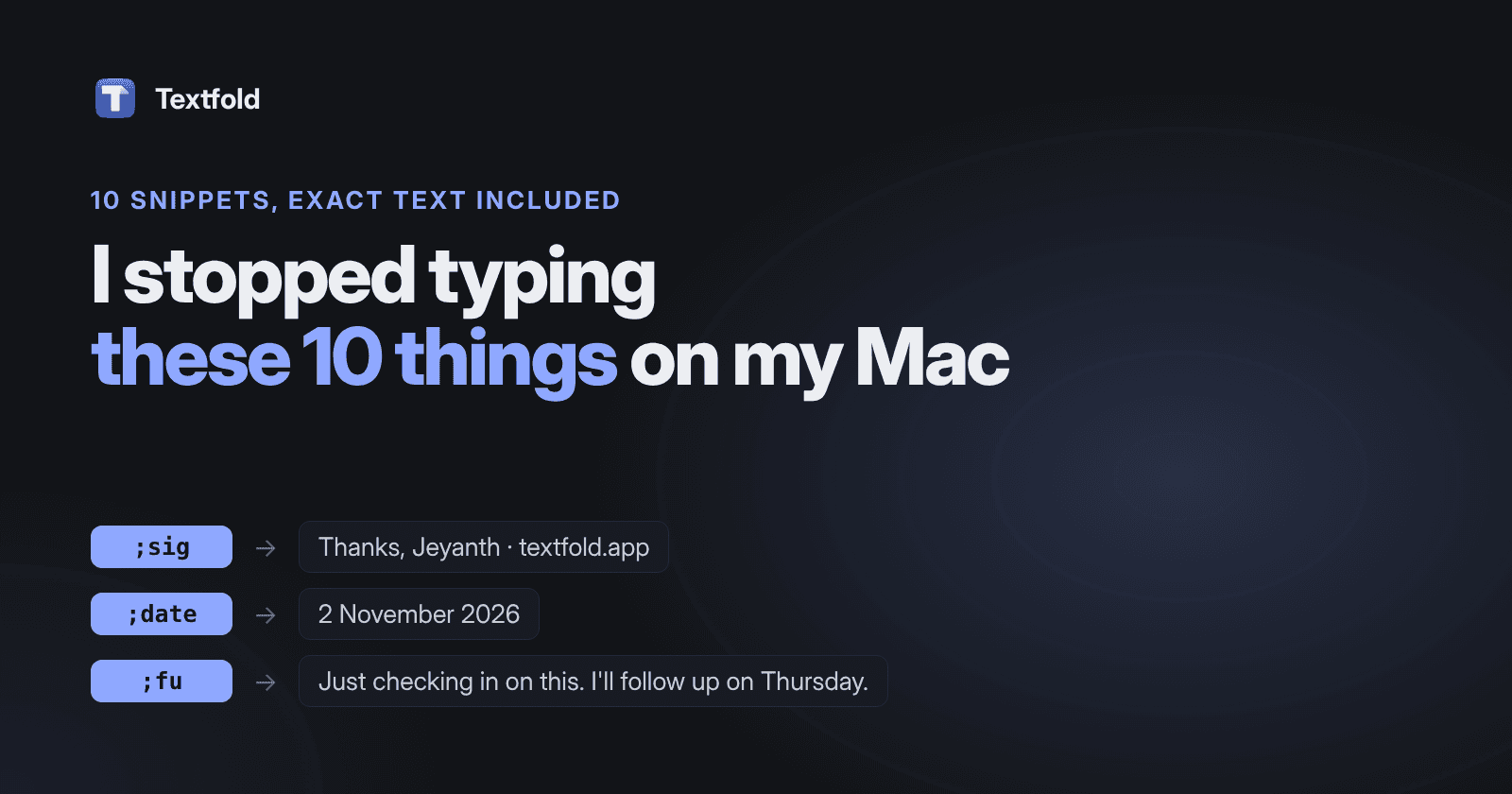
Each one is a snippet: a short abbreviation that turns into the full text when I type it, in any app. They all start with a semicolon, because ;sig never appears in normal writing and sig does. A quick disclosure: I make Textfold, the text expander I use for these. Most of the list works with other tools too, and I'll say where.
1 to 3: the things I type every day
These never change, so they're the easiest place to start, and they're where typos used to slip in most.
;sig My email signature
Thanks,
Jeyanth
textfold.app
;em My email address
hello@textfold.app;addr My address (a made-up one here)
221 Example Street
Springfield 01101
You don't need any app for these three. macOS has Text Replacements built in (System Settings → Keyboard → Text Replacements), and they work in most Apple apps. If they stop working, here's how to fix it.
4 to 6: the things that change every time
This is where saved text stops being enough. A follow-up that says “I'll check back on Tuesday” is only right on one day of the week. These snippets fill in the part that changes.
;date Today's date
{date:d MMMM yyyy};fu A follow-up with a real day in it
Just checking in on this. If I don't hear back, I'll follow up on {date:EEEE+3d}.;thx A thank-you with the person's name
Hi {field:Name},

Thanks for getting back to me so quickly. {cursor}
{date:EEEE+3d} becomes the weekday three days from now, so ;fu on a Friday says Monday. {field:Name} opens a small box asking for the name before anything is typed, and {cursor} leaves the caret where I keep writing. Apple's Text Replacements can't do any of this; you need a text expander.
7 to 10: the small ones I'd miss most
None of these saves much on its own. Together they add up, and they're the ones I'd miss first.
;meet My booking link
Happy to talk. Pick any time that suits you here: https://cal.example.com/jeyanth;pw A fresh random password
{password};mdl A Markdown link from the clipboard
[{cursor}]({clipboard});shrug The shrug
¯\_(ツ)_/¯{password} makes a new 20-character password each time, right on the Mac. ;mdl takes a link I've copied and wraps it in Markdown, with the caret inside the brackets for the link text. And the shrug is the one I'd never get right by hand.
How to start without overthinking it
- Pick three, not ten. Your signature, your email and today's date. Use them for a week before adding more.
- Notice what you retype. When you catch yourself typing the same sentence twice in a day, that's your next snippet.
- Keep the abbreviations short and guessable.
;addrbeats;myhomeaddress, and beats;a1because you'll remember it.
If you'd like all ten in one place, they fit in Textfold's free plan exactly: 10 snippets, every feature, no account. Download it here, or start with Apple's built-in replacements and see if you miss the rest.